How accurate are the calorie estimates?
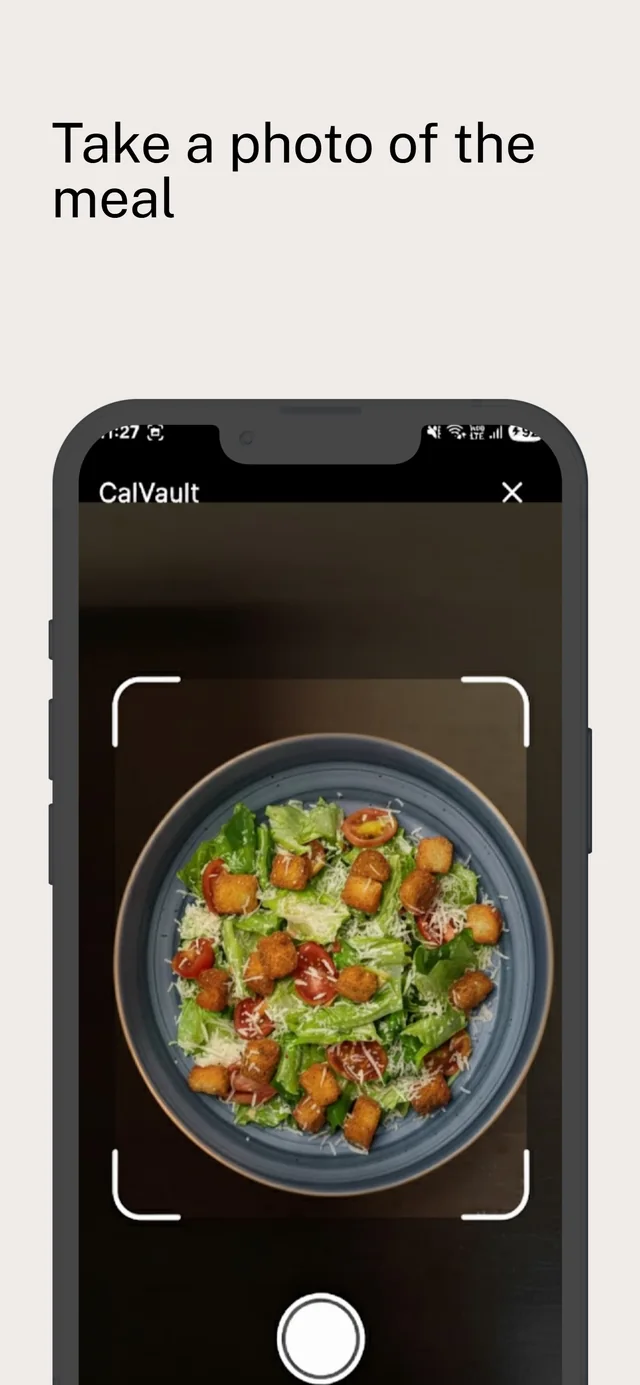
They're AI estimates from a photo, so they're a good starting point, not a lab measurement. Portion size and hidden ingredients like oil or sauces are the hardest parts. You can review and edit every result before you save it.
Do I need to create an account?
No. Open the app, answer a few setup questions and start logging. There's no email, password or social sign-in.
Where is my data stored?
On your phone, in the app's local storage. We don't keep a copy of your food diary on our servers. When you use an AI feature, that photo or question is sent to our AI provider to be analyzed. The privacy policy has the details.
What happens after the 5 free photo logs?
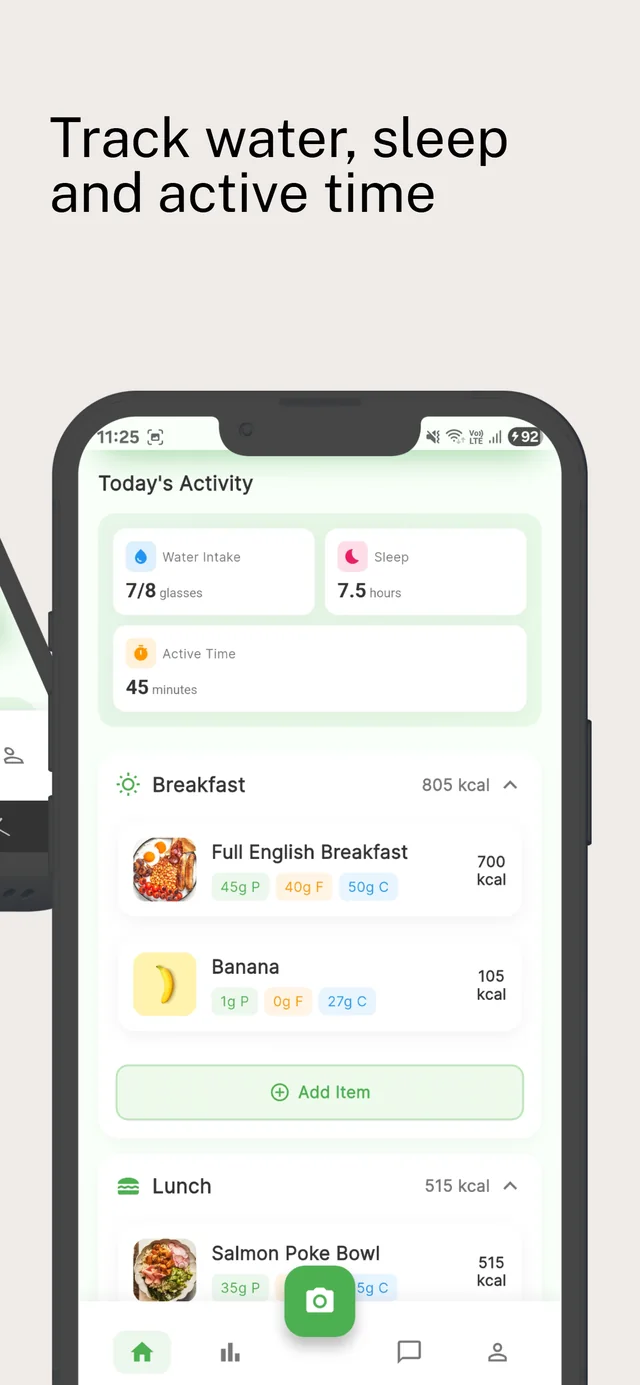
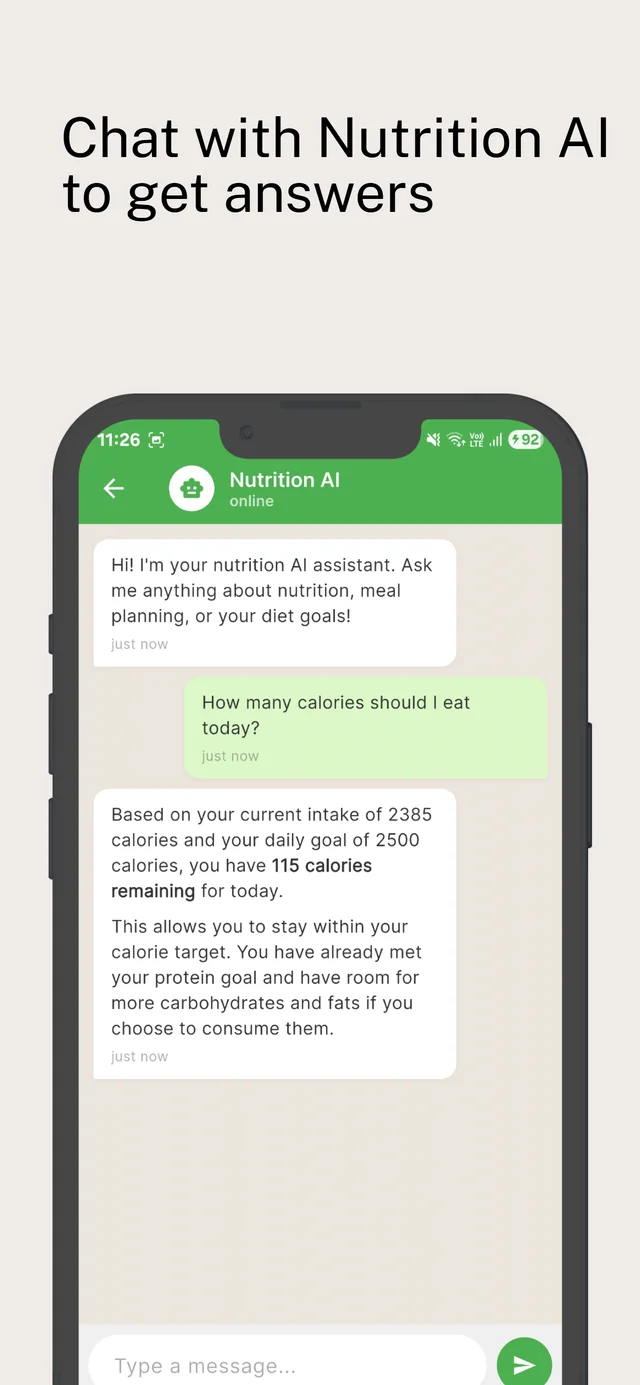
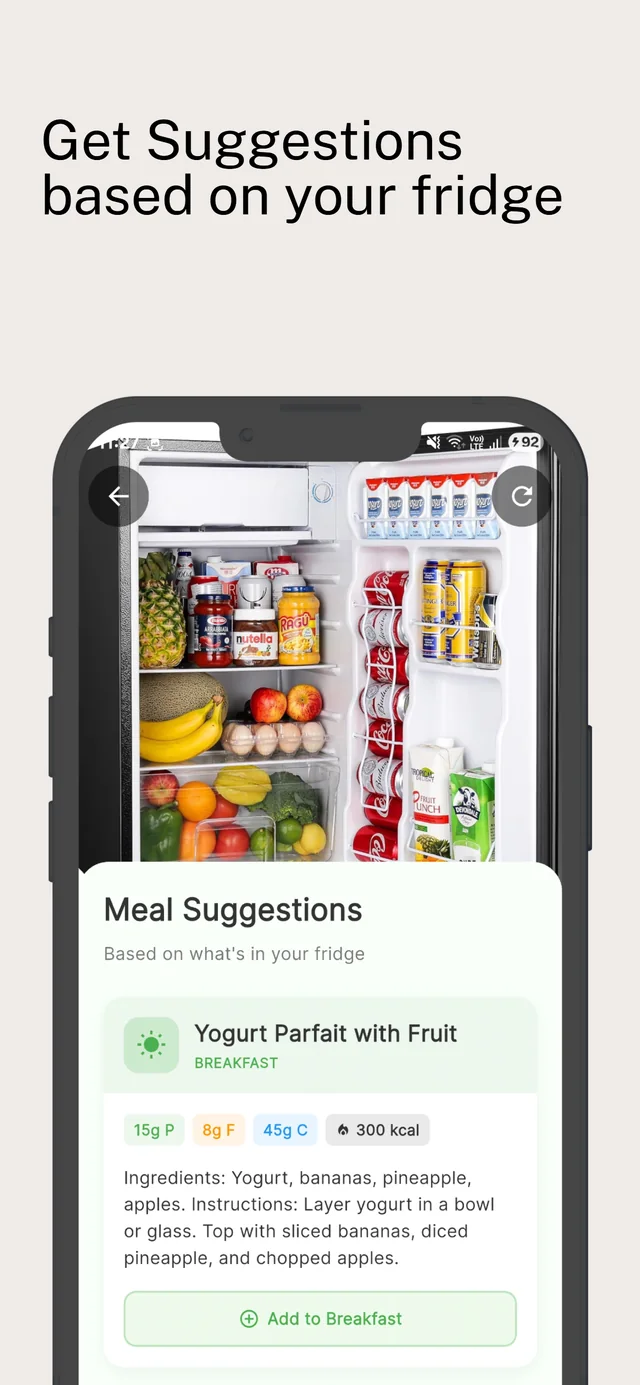
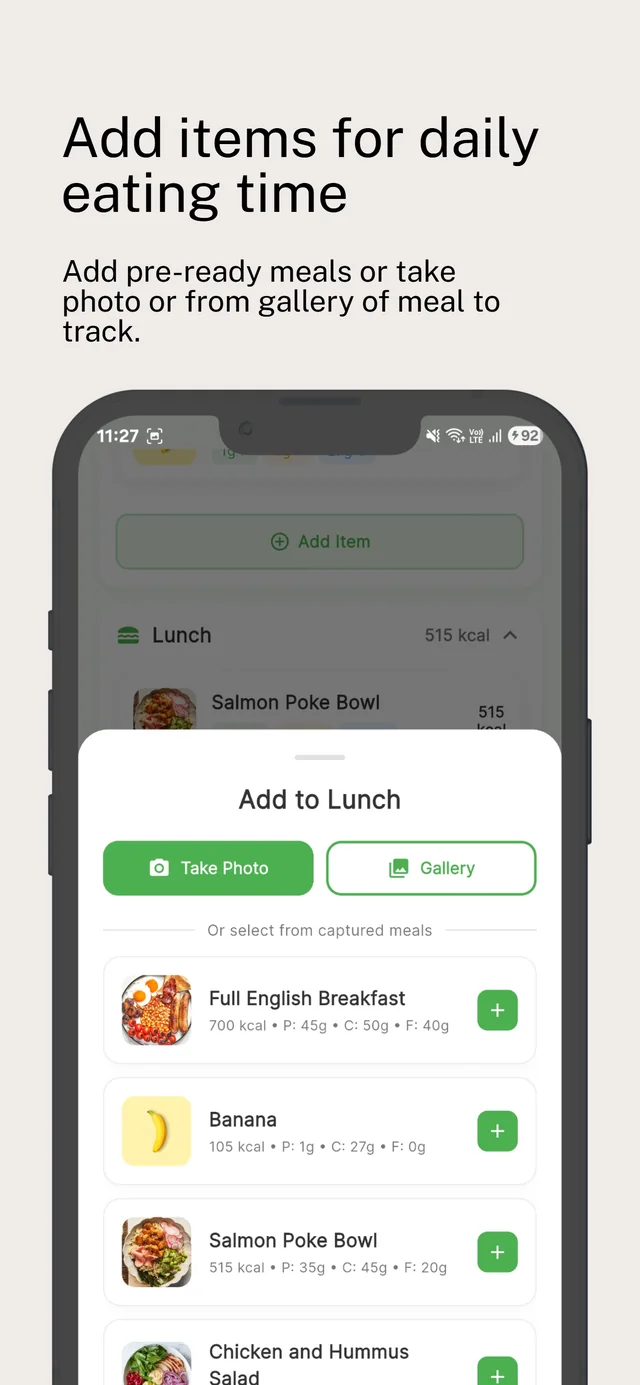
You can keep using the rest of the app for free, including re-adding meals you've already logged, charts, weight tracking, the AI chat and fridge ideas. To keep logging new meals by photo, upgrade to Premium.
How do I cancel or restore Premium?
Subscriptions are handled by Google Play. Cancel any time in the Play Store app under Profile → Payments & subscriptions → Subscriptions. On a new phone, sign in to the same Google account and tap Restore Purchases in CalVault.
If I switch phones, does my history come with me?
Not yet. Because your data lives only on your device, a new phone starts fresh. Your Premium subscription moves with your Google account.
Is CalVault on iPhone?
CalVault is available on Android today. The iOS version is on the way.
Is this medical advice?
No. CalVault is a tracking tool for general wellness. Talk to a doctor or registered dietitian before major diet changes, especially if you have a medical condition, are pregnant, or have a history of disordered eating.
 CalVault